90-second quick start
Watch Pick & Place automatically, get a quick introduction to the SmartPAD and then move A1 yourself. No account required.
Open quick start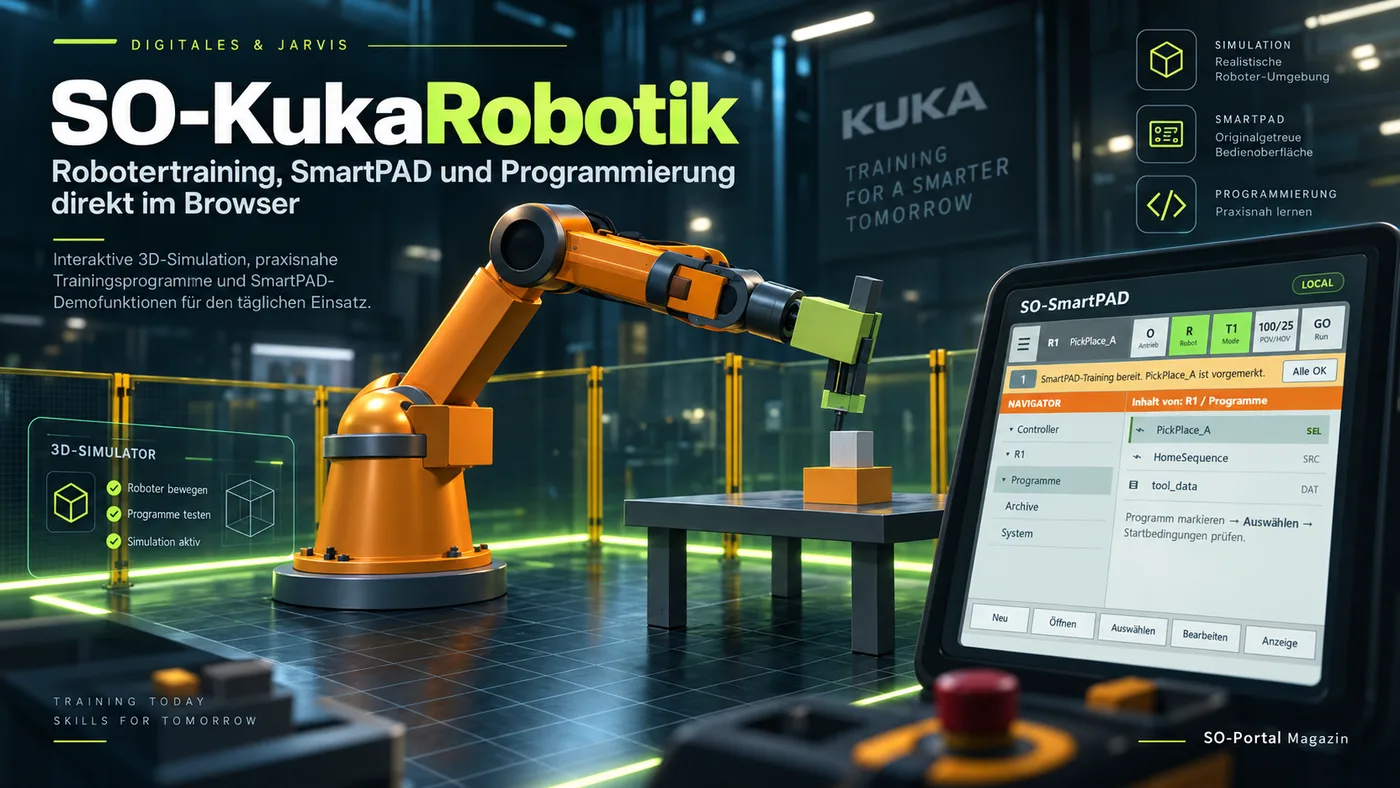
SO-KukaRobotik is an independent, KUKA-oriented training simulation in the browser. You can move a 6-axis robot, explore SmartPAD operation, test KRL basics and programs, and practice gripper sequences – without controlling a real system.
Watch Pick & Place automatically, get a quick introduction to the SmartPAD and then move A1 yourself. No account required.
Open quick startConveyor, two-station BASE, palletizing, tool change, fault scenario, cobot and speed.
View scenariosJoin with a class code or, as a teacher, release exercises and view progress.
The steps are deliberately simple. You do not need to be a programmer.
In the simulator you can switch between a classic industrial cell and an open cobot training cell. The choice is stored locally and, when logged in, can also be synced through the cloud.
The familiar training cell with guarded area, gripper, workpiece and pick-and-place sequence.
An open, cobot-oriented workspace with 3 kg rated payload and 760 mm reach as a training representation.
Larger cobot mode with 11 kg rated payload and 1,300 mm reach. The 3D geometry remains a simplified learning simulation.
Explore A1 to A6 individually and understand which joint creates which motion.
Watch PTP, LIN, WAIT and I/O commands step by step instead of only looking at code.
Try the Navigator, operating modes, overrides, Tool/Base, start conditions and messages in the demo pad.
Short sentences, everyday comparisons and small exercises. Children should use the virtual simulation only – real industrial robots must be handled by trained people.
Open easy modeLarge buttons, clear sequences and optional larger text. Each topic can be opened individually and continued later.
Adjust learning displayNew: ready-to-use browser exercises, a teacher briefing and an interactive BASE lab. A lesson can be prepared even when no real training robot is available.
Axis detective, SmartPAD start sequence, PTP/LIN, gripper, sensors, BASE and your own pick-and-place.
Open exercisesLesson plans, common student questions and assessment help – deliberately designed without requiring robotics expertise.
Teacher briefingMove and rotate a workstation and immediately see why points defined relative to BASE can move with it.
Try BASEWithout an account, the simulation still works locally. With an account, non-safety-related preferences and learning progress can be stored on the server so you can continue on another computer.
The independent learning project deliberately offers only four clearly labelled partner slots. This keeps sponsorship visible, transparent and separate from the learning content.
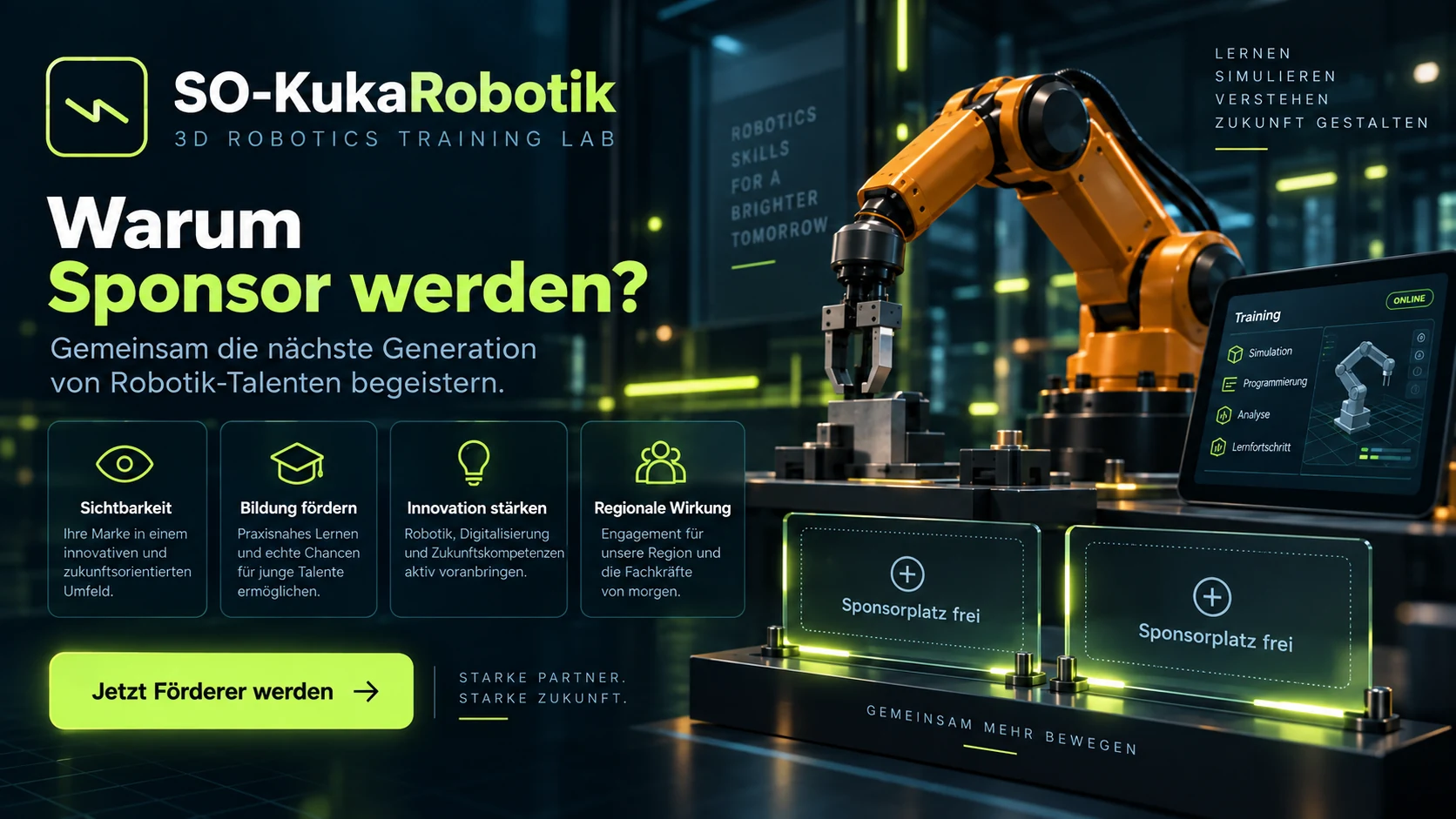
Suitable partners include automation, sensors, system integration, continuing education and companies that want to support technical talent development.
Conveyor Pick, Palletizing, BASE-Stationen, Tool Change, Fault Scenario, Cobot- und Speed Comparison werden mit direkt ausführbaren Beispielprogrammen erklärt – inklusive klarer Hinweise, was die Websimulation wirklich ausführt.